
Automatic File Version Control & Backup
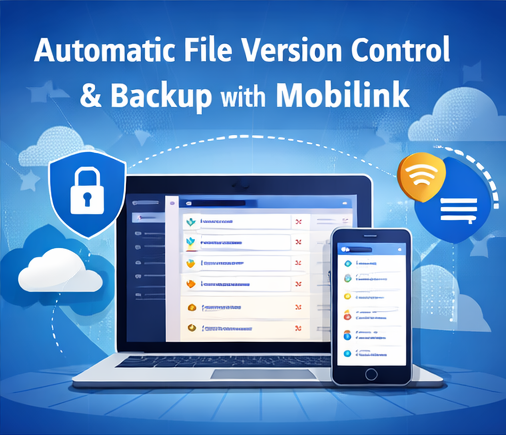
1. File Version Chaos Is a Silent Productivity Killer
Have you ever experienced this?
- Files named “final”, “final_v2”, “final_revised”, and “final_really_final”;
- Important content accidentally overwritten with no way to recover it;
- Different versions scattered across multiple devices;
- Manual backups that still feel unreliable.
For individuals, freelancers, and small teams alike, unmanaged file versions quickly become a source of stress, inefficiency, and data risk.
2. Mobilink’s Approach: Version Control That Works Automatically
Mobilink is designed to work quietly in the background, without changing how you work.
Every time a file is modified and saved, Mobilink automatically:
- Creates a new file version;
- Attaches a clear timestamp to that version;
- Preserves all previous versions without overwriting anything.
No manual renaming. No extra steps. Version control happens seamlessly.
3. Instantly Restore Any Previous Version
When you need to:
- Roll back to yesterday’s document;
- Recover content deleted by mistake;
- Review how a file evolved over time;
Mobilink allows you to browse the complete version history and restore any version with ease.
This ability to rewind changes significantly reduces the risk of human error and makes every edit safer.
4. Seamless Multi-Device Access, Without Public Cloud Exposure
Modern work often spans multiple devices. Mobilink supports file access and version synchronization across devices while keeping a strict privacy-first design.
With Mobilink:
- Files are not uploaded to third-party public clouds;
- There is no server-side caching or content analysis;
- Your data remains under your direct control.
This makes Mobilink particularly suitable for contracts, proposals, project files, and other sensitive business documents.
5. Real-World Use Case: From Version Anxiety to Effortless Control
Take a freelance translator as an example.
Previously, every revision required manual backups to avoid losing earlier drafts. With Mobilink, every change is automatically recorded. If a client requests a previous version, it can be restored instantly—no extra organization required.
For teams, this also eliminates confusion about which file is the latest version, reducing unnecessary back-and-forth communication.
6. Why Mobilink for File Version Management
Mobilink delivers clear advantages:
- Automatic file version control without manual naming;
- Complete version history with fast recovery;
- Cross-device continuity for modern workflows;
- Privacy-focused design that protects sensitive data.
If you are overwhelmed by file versions and manual backups, Mobilink offers a simpler, safer, and more efficient way to stay in control of your files.