
External Drive + Mobilink vs. Traditional NAS: The Fundamental Difference
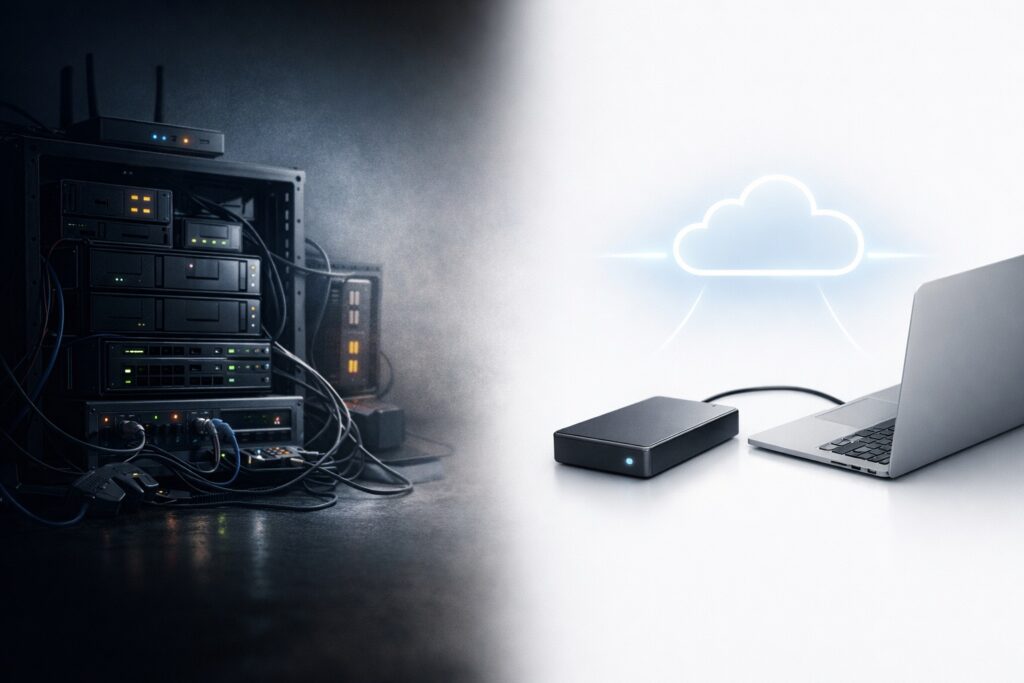
For years, NAS (Network Attached Storage) has been promoted as the “ultimate” solution for private data storage. It promises ownership, local control, and freedom from public cloud providers.
But as NAS adoption grows, so do the hidden costs, complexity, and maintenance burden.
Mobilink proposes a fundamentally different approach: turning an external drive into a real private cloud—without becoming a system administrator.
This article explains the essential differences between External Drive + Mobilink and traditional NAS, and why many users never actually need a NAS at all.
The Mythologized NAS
NAS is often portrayed as a one-time investment that solves all storage and privacy concerns. In reality, NAS systems are frequently over-engineered for personal and small-team use.
What NAS is usually praised for:
-
Local data ownership
-
Expandable storage
-
Advanced features (RAID, containers, virtualization)
What is rarely emphasized:
-
Hardware lock-in
-
Continuous configuration and upkeep
-
Networking, security, and access complexity
NAS is powerful—but power comes at a cost.
The Real Cost of NAS: Hardware, Learning, Maintenance
A traditional NAS is not just a box—it is an ecosystem you must manage.
1. Hardware Cost
-
Dedicated NAS enclosure
-
Multiple drives (often required for RAID)
-
Higher power consumption
-
Replacement and upgrade cycles
2. Learning Cost
-
Storage architecture concepts
-
RAID levels and failure recovery
-
User permissions and access control
-
Network exposure and port management
3. Maintenance Cost
-
Firmware and OS updates
-
Disk health monitoring
-
Backup strategies
-
Security hardening and vulnerability patches
For many users, this turns “private cloud” into a long-term operational responsibility.
Mobilink’s De-Hardware Approach
Mobilink challenges a core assumption:
Why must private cloud storage require specialized hardware at all?
With Mobilink:
-
Any external hard drive or USB storage becomes the data container
-
Your existing computer becomes the access gateway
-
No dedicated NAS box is required
-
No RAID, no storage OS, no server mindset
Mobilink removes the concept of “storage infrastructure” and focuses on direct device ownership.
This is not a lightweight NAS replacement—it is a different architectural philosophy.
How External Drive + Mobilink Is Fundamentally Different
1. Storage Without a Storage System
NAS introduces a permanent system that must always be running and managed.
Mobilink activates storage only when you need it, using devices you already own.
2. Access Without Exposure
Traditional NAS often relies on:
-
Port forwarding
-
Public IPs
-
VPNs or relay services
Mobilink enables secure, encrypted device-to-device access without turning your storage into a network service.
3. Ownership Without Complexity
You keep:
-
Physical possession of the drive
-
Control over when it is online
-
Authority over who connects
Without becoming responsible for a miniature data center.
Who Does Not Need a NAS
You likely do not need a NAS if:
-
You are an individual user with one or two devices
-
You want remote access, not 24/7 uptime
-
You care about privacy but not enterprise features
-
You do not want to manage disks, arrays, and services
-
You simply want your data to remain yours
For these scenarios, NAS is often overkill, not a solution.
A Different Definition of Private Cloud
Traditional NAS says:
“Build and manage your own storage server.”
Mobilink says:
“Your data already lives on your devices. We just make it securely reachable.”
External Drive + Mobilink is not about replacing NAS feature-by-feature.
It is about removing unnecessary layers between you and your data.
Conclusion
NAS is powerful—but power is not always what users need.
Mobilink’s approach reframes private cloud storage:
-
No dedicated hardware
-
No permanent services
-
No system administration burden
Just your data, your devices, and secure access when it matters.
For many people, that is not a compromise.
It is a correction.
If you want to understand how this model works in practice, start with:
→ Turn External Storage Into a Real Private Cloud