
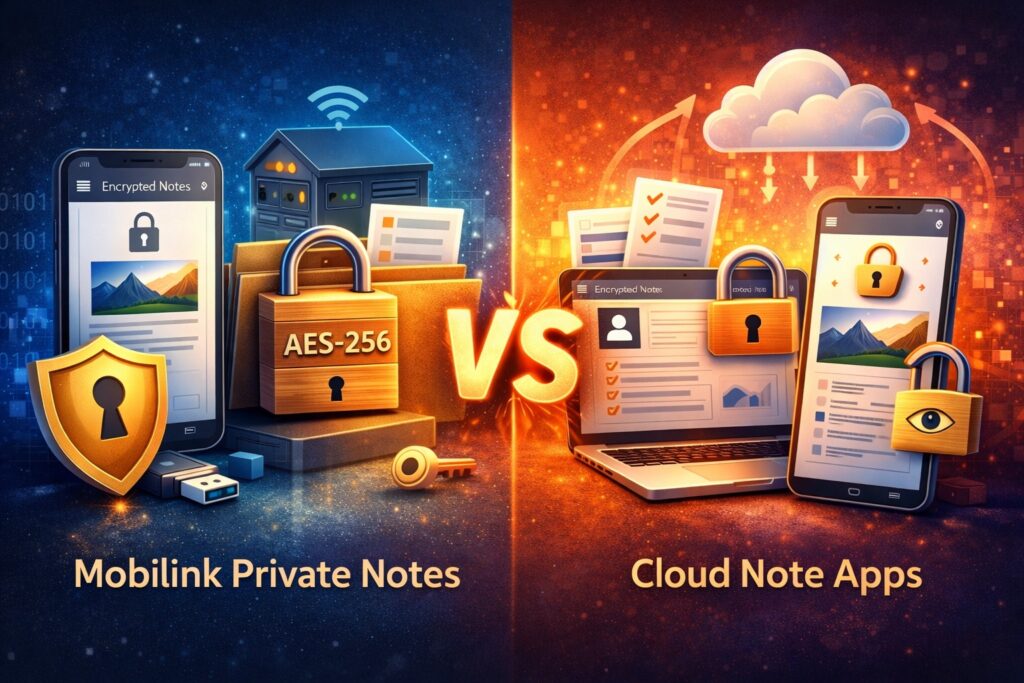
Mobilink Private Notes vs Cloud Note Apps
Why Truly Private Notes Matter More Than Ever
Most note-taking apps today store your content in public cloud servers — even if they offer encryption, the notes still pass through provider infrastructure. For sensitive personal thoughts, work designs, passwords, and private data, this poses real risks.
Mobilink Private Notes offers a fundamentally different approach:
Your data stays local and encrypted, and only synchronizes between your own devices — never to third-party cloud servers.
Below is a clear comparison to help you choose the safest solution for your notes.
🧠 1. Storage Model
| Feature | Mobilink Private Notes | Cloud Note Apps (Google, Evernote, OneNote, Notion) |
|---|---|---|
| Local encrypted storage | ✔ Yes | ✘ No |
| Stored on third-party servers | ✘ No | ✔ Yes |
| Full control over data location | ✔ Yes | ✘ Usually |
| Dependence on internet to read | ✘ No | ✔ Often |
Why it matters
Public cloud note apps store data centrally — even if encrypted, the provider controls the keys or infrastructure, and your notes can be accessed, scanned, or processed.
Mobilink keeps your encrypted notes on your device by default — you choose where the data lives.
🔐 2. Encryption & Privacy
| Feature | Mobilink Private Notes | Cloud Note Apps |
|---|---|---|
| Client-side encryption before save | ✔ Yes | ✘ No (often at server level) |
| AES-256 encryption | ✔ Yes | ✘ Varies / Provider managed |
| Third-party access | ✘ Impossible without device | ✔ Possible with account access |
| Data scanning / analysis by provider | ✘ No | ✔ Yes (for search / indexing / AI) |
Why it matters
Cloud services often scan content for search, indexing, or metadata extraction. This is convenient, but it’s not truly private.
Mobilink’s encryption happens locally — even the provider never sees the plaintext.
✍️ 3. Features That Affect Real Use
| Feature | Mobilink Private Notes | Cloud Note Apps |
|---|---|---|
| Rich text editing (text + images) | ✔ Yes | ✔ Yes |
| Large note capacity per item | ✔ Up to 20MB | ✘ Often lower limit without subscription |
| Multi-device access | ✔ Yes (private sync) | ✔ Yes |
| Requires public cloud account | ✘ No | ✔ Yes |
Why it matters
Cloud apps often limit size or storage tiers unless you pay for premium. Mobilink supports large notes by design and doesn’t require cloud login.
🔄 4. Synchronization & Connectivity
| Feature | Mobilink Private Notes | Cloud Note Apps |
|---|---|---|
| Sync Without Public Cloud | ✔ Yes | ✘ No |
| Requires internet to sync | Optional | ✔ Yes |
| Zero configuration remote access | ✔ Yes (private cloud) | ✘ No |
Why it matters
Cloud apps require internet for all sync and access. Mobilink enables secure device-to-device sync without public cloud, and adds remote access without complex network setup.
🔍 5. Security & Reliance
| Category | Mobilink Private Notes | Cloud Note Apps |
|---|---|---|
| Single point of failure | ✔ Device only | ✔ Servers + account |
| Independence from provider downtime | ✔ Yes | ✘ No |
| Privacy compliance risk | ✔ Minimal | ✘ Higher |
| Account hijack risk | ✔ Lower (local only) | ✘ Higher (centralized accounts) |
Why it matters
Cloud note accounts can be compromised, exposing all your content. Mobilink avoids centralized accounts entirely — your device is your identity.
🔎 Key Takeaways
Choose Mobilink Private Notes if you want:
✔ True local encryption and storage
✔ No dependency on public cloud providers
✔ Large note capacity and rich formatting
✔ Private multi-device access without exposing data
Choose Cloud Note Apps if you want:
✔ Universal access through any browser/device
✔ Public cloud collaboration/ sharing features
✔ Built-in OCR/ AI-based services (with privacy trade-offs)