
Remote Access for a USB Drive? This Is Not a Gimmick
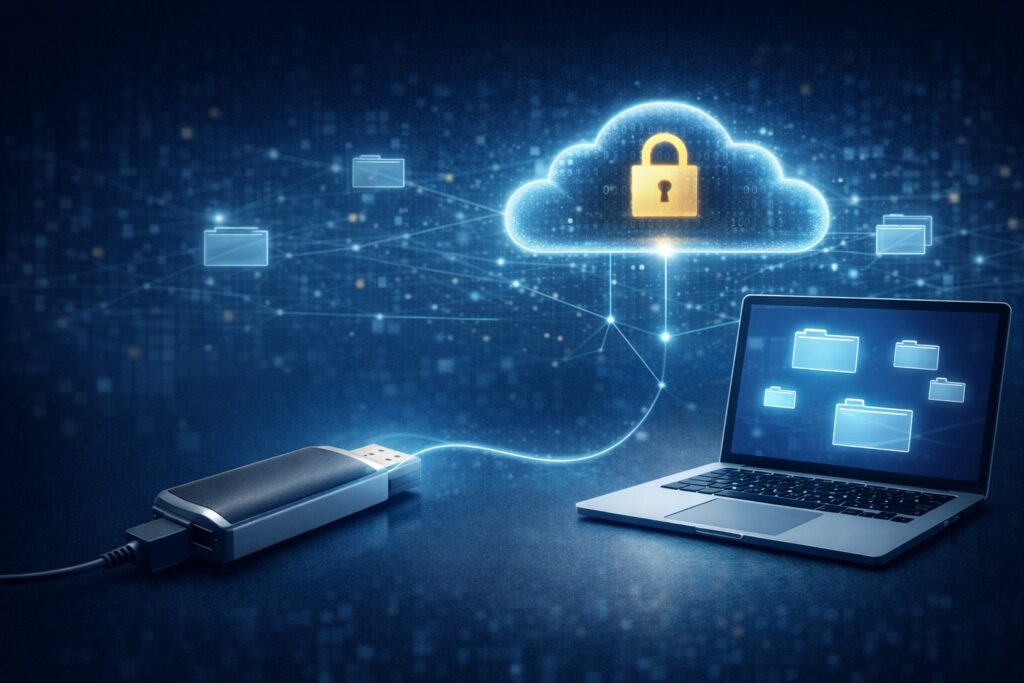
Why the Idea Sounds Ridiculous at First
For most people, a USB flash drive follows a simple rule:
-
Plug it in, use it
-
Unplug it, it’s gone
-
Want access? You must be in front of the computer
So when someone says “a USB drive can be accessed remotely”, the immediate reaction is usually one of these:
-
This is just marketing language
-
The data must be secretly uploaded to the cloud
That skepticism is reasonable.
The Real Reason USB Drives Were Never Remote-Accessible
Traditional USB drives are not limited because they are “too simple” or “outdated.”
They are limited because they are passive devices.
A typical USB drive:
-
Has no network awareness
-
Has no identity or access control
-
Cannot participate in authentication or authorization
In other words:
USB drives are not incapable of remote access.
They were simply never designed to be part of a networked system.
Why NAS Works — and USB Drives Don’t
Network-attached storage (NAS) can be accessed remotely not because its disks are special, but because NAS includes a full software stack.
That stack handles:
-
Network connectivity
-
Authentication
-
Permission management
-
Access protocols
External drives like USB flash drives and portable hard disks lack this layer entirely.
The limitation is not hardware.
It is the absence of system-level software.
What Mobilink Actually Changes
Mobilink does not modify USB drives or external disks.
Instead, it adds what has always been missing:
A system layer that allows external storage to function as a managed storage node.
Within the Mobilink architecture:
-
A USB drive is no longer a raw, always-readable device
-
It becomes a private storage node with identity, permissions, and access rules
How Remote Access Works in Practice
From a user’s perspective, the process is intentionally simple:
-
Connect external storage to any computer
-
Install and run Mobilink
-
Authorize the device
After that, the storage can be accessed remotely:
-
On the same local network
-
From external networks
-
From a different city or location
There is no need for:
-
Public IP addresses
-
Port forwarding
-
NAT or router configuration
Network transitions happen automatically and invisibly.
The Most Important Part: The Data Never Goes to the Cloud
This is the question that matters most.
Mobilink does not work by:
-
Uploading files to cloud servers
-
Syncing data to third-party infrastructure
Instead:
-
Access is peer-to-peer
-
Data is read directly from your external storage
Files remain physically stored on your USB drive or external disk at all times.
This is why the experience feels like cloud storage,
but the risk profile is fundamentally different.
Why This Is Not a Gimmick, but a Shift in Direction
For years, users have been conditioned to believe:
-
You buy hardware for capability
-
You subscribe to cloud services for remote access
Mobilink reverses that assumption.
Capability comes from software.
Hardware is only the carrier.
Once the system layer exists, external storage no longer needs to remain offline by default.
What This Means for You
-
No need to buy a NAS
-
No need to migrate existing data
-
No need to change storage habits
If you already own a USB drive or external hard disk,
you already have the foundation.
What was missing was a way to make it accessible, secure, and network-aware—
without giving up control of your data.
Related reading:
Turning External Storage into a Real Private Cloud